Last checked . Picks are based on the prices, rates, fees and terms each provider publishes, checked at the source. We never rank products by commission. See how we’re funded.
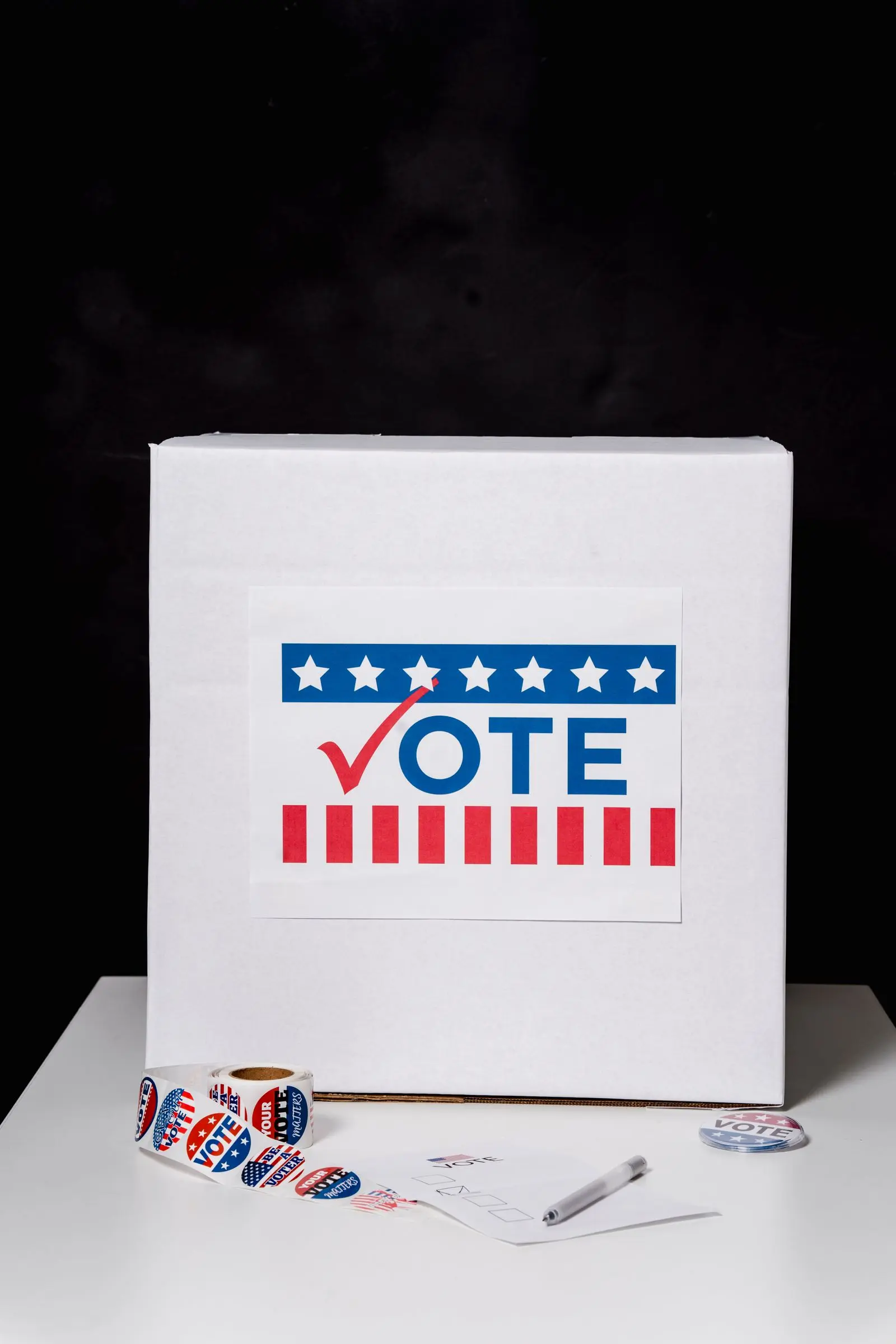
Short answer: this voting checklist covers what to confirm before the Nov. 3 midterm elections. Make sure you’re registered. Learn what ID your state requires. Decide whether you’ll vote early, by mail or in person. Find your polling place. And look at your ballot. Rules differ by state, so each step points to an official USAGov page, which leads to your state’s own information.
Voting checklist step 1: Confirm your registration
Registration and deadlines are set by each state. USAGov says you can register or update your registration at vote.gov. Its election page doesn’t explain how to check your current status, so contact your state or local election office to confirm you’re on the rolls. That matters most if you’ve moved or changed your name. Deadlines may already have passed where you live, so check early.
Voting checklist step 2: Check your state’s voter ID rules
USAGov puts it plainly: “Each state sets its own voter ID rules.” Most of them “require voters to bring identification to vote in person.” Look up your state on its voter ID page and bring what it lists. Not sure your ID qualifies? Ask the election office before Election Day.
Voting checklist step 3: Decide how you’ll vote and where
USAGov has separate pages for early in-person voting and absentee or mail voting. Availability, request deadlines and return rules differ by state, so read yours and make a plan. One rule is the same everywhere. As USAGov says, “In federal elections in the U.S., you cannot vote online.”
If you’re voting in person, use USAGov’s polling place finder. It shows your location and hours, and whether you can change polling places. Look it up ahead of time, so Election Day isn’t the first time you check.
Voting checklist step 4: Know what’s on your ballot
Sample ballots and voter guides are linked from USAGov’s page on who you can vote for. USAGov says reviewing them before you go “can help you decide who to vote for.” Election dates also vary by contest, and its page on when to vote lists federal, state and local dates.
| Task | Where to start |
|---|---|
| Register or update | vote.gov |
| Voter ID rules | USAGov voter ID page |
| Early voting | USAGov early voting page |
| Mail or absentee voting | USAGov absentee voting page |
| Polling place | USAGov polling place finder |
Source: USAGov election information, checked Oct. 25, 2026.
Where to get help
The USAGov Contact Center is at 1-844-USAGOV1 (1-844-872-4681). Be careful with unofficial messages about voting. Our guide to spotting a scam text explains the signs, and what to do if you were scammed covers the steps if you clicked.
Editor’s take
The best voting checklist is one you finish this week. Registration and ID questions are easy to fix with time and hard to fix at the polling place. Spend ten minutes on the first two steps now.