We may earn a commission when you buy through links on this page. It doesn't change what we recommend.
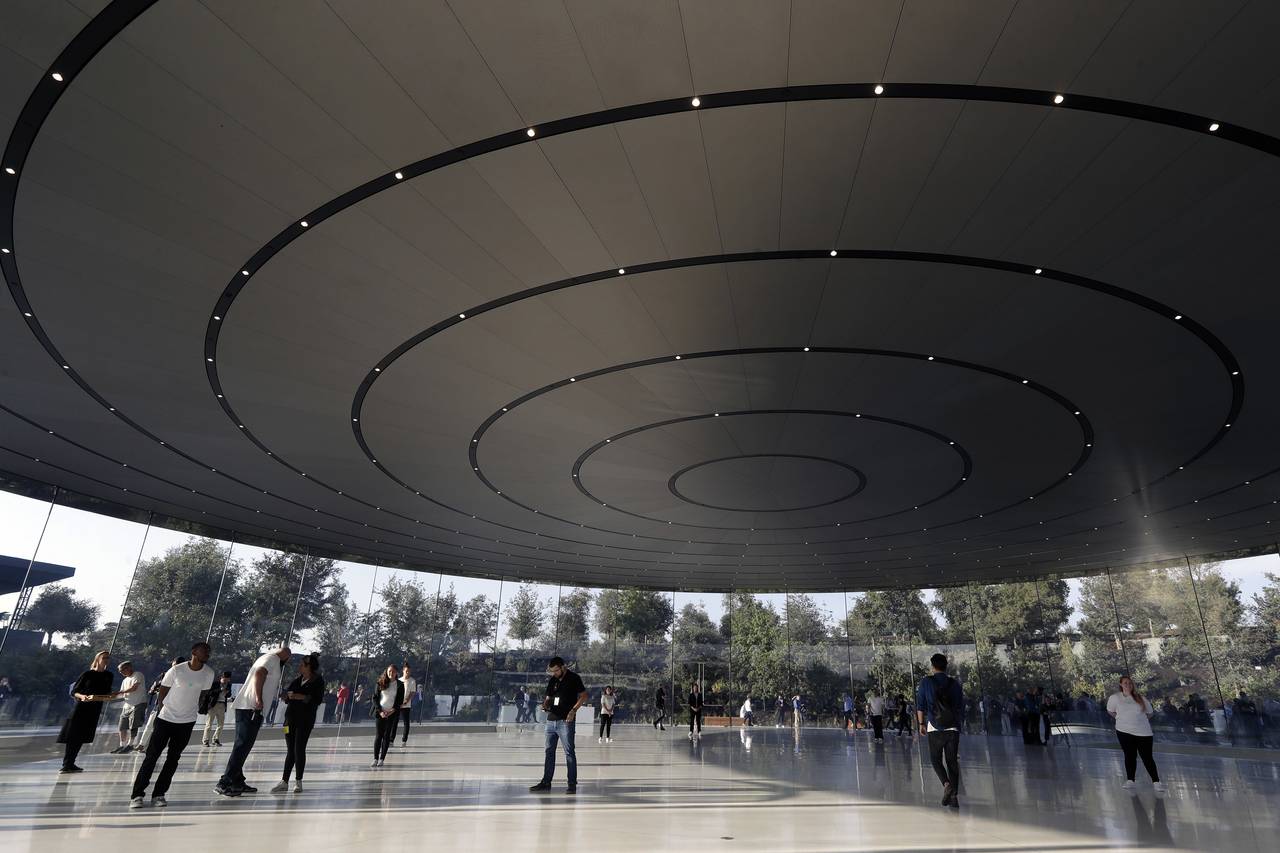
Apple CEO Tim Cook will take the stage today at the Steve Jobs Theater in Cupertino to address everyone of the company’s new ventures. There have been plenty of rumors going around the internet that Apple is making a push for a video-streaming service, much like Netflix, Amazon Prime, and Hulu. Another service the company hopes to take off is Apple News, which would be a news subscription service.
If you want to find our what’s happening as it’s being unveiled, there are a number of ways to do this. We will be reporting on everything as it’s unveiled with blogging and sharing it on social media.
Apple’s ‘show time’ event:
Event’s start time: New York: 1PM / San Francisco: 10AM / London: 5PM / Berlin: 6PM / Moscow: 8PM / New Delhi: 10:30PM / Beijing: 1AM (March 26th) / Tokyo: 2AM (March 26th) / Melbourne: 4AM (March 26th)
How to catch all the latest news:
Blog updates: Tune into The Jolt Journal‘s blog for the latest Apple event news, commentary, and photos from the event at Steve Jobs Theater in Cupertino, CA.
Apple’s live stream: Apple will host a live stream right on its website. You can view it right from your desktop and follow along.