We may earn a commission when you buy through links on this page. It doesn't change what we recommend.
Last checked . Picks are based on the prices, rates, fees and terms each provider publishes, checked at the source. We never rank products by commission. See how we’re funded.
Originally published March 7, 2019. Updated October 26, 2026.
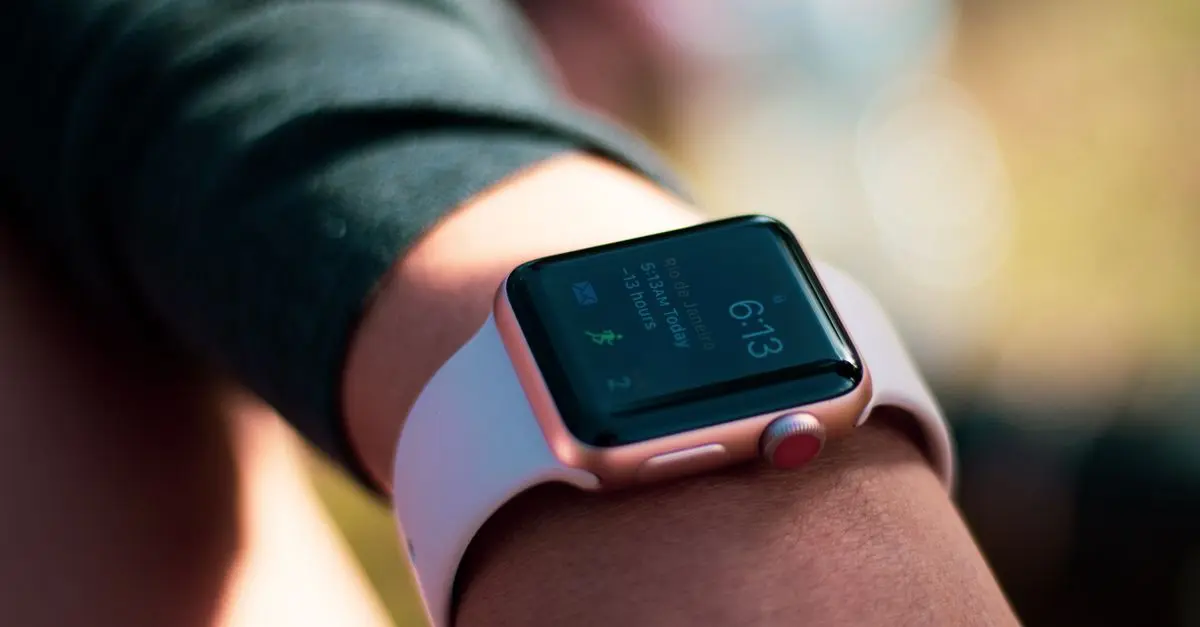
WhatsApp on Apple Watch is now an official app. For years the only option was notifications mirrored from the iPhone. WhatsApp announced a real Watch app on November 4, 2025, and its announcement lists what it does.
WhatsApp on Apple Watch: What the App Does and How to Get It
What do you need to run WhatsApp on Apple Watch?
WhatsApp says the app needs an Apple Watch Series 4 or later running watchOS 10 or later. The announcement does not name a minimum iPhone version, so check the App Store listing before you install.
What can the WhatsApp Apple Watch app do?
It shows incoming call notifications, so you can see who is calling without pulling out your iPhone. Long messages appear in full, with more of the chat history on screen. You can record and send voice messages and send emoji reactions. Images and stickers display clearly. TechCrunch also lists replying to messages. WhatsApp says personal messages and calls stay end-to-end encrypted. It calls the launch just the start and names no future features.
The announcement does not say whether you can answer a call on the watch itself, or whether the app works without a nearby iPhone. Treat both as unconfirmed.
How do you install WhatsApp on Apple Watch?
Press the Digital Crown and open the App Store on the watch. You can also open the Watch app on your iPhone, go to My Watch, scroll to WhatsApp, and tap Install. Those steps come from a TechRadar report, not from WhatsApp.
How do you get WhatsApp notifications on Apple Watch without the app?
Apple’s notifications page explains it. Notifications mirror from your iPhone, and they appear on either the watch or the phone, not both. They go to the watch when the iPhone is locked or asleep. To change this for one app, open the Watch app on your iPhone, go to My Watch, then Notifications, and choose Mirror my iPhone or Custom.
Editor’s Take
The official app answers a long-running request, but it is still thin. If you only want a buzz on your wrist, the mirrored notifications work fine. Install the app if you want voice messages or longer chats. Scam messages reach WhatsApp too, so our guide to spotting a scam text applies there.