We may earn a commission when you buy through links on this page. It doesn't change what we recommend.
Earlier this year, Apple announced its latest desktop operating system offering, macOS High Sierra. Apple just released the software as a free upgrade for all users, if you have a compatible Mac that will run it.
If you have a Mac from 2010 or newer, you’re compatible to run the software. Some MacBooks and iMacs released as far back as 2009 will also be able to run it. Right off the bat when you’re done installing the software, you may not notice a lot visual changes, but the software’s core has been change rather drastically.
Apple’s macOS High Sierra now comes with a new modernized file system — Apple File System (APFS) — and support for more efficient photo (HEIF) and video (HEVC, also known as H.265) standards. The H.265 is designed to efficiently handle 4K video without eating into your Mac’s storage space.
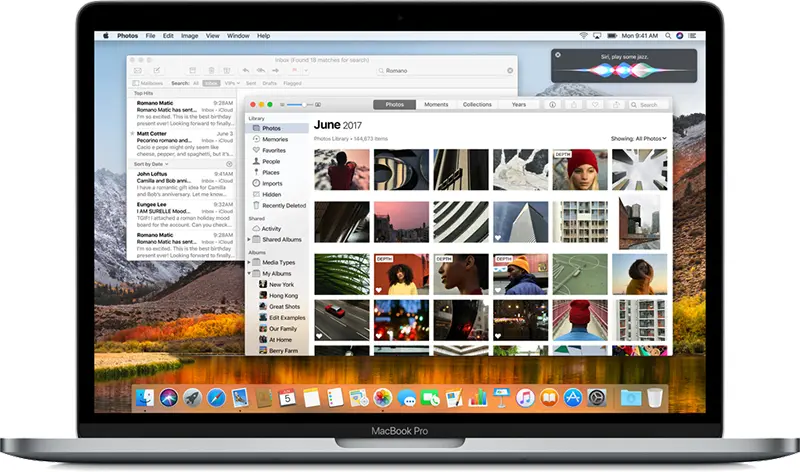
Apple has also given some love to its own apps. The Photos app now has an expanded and more powerful editing tools available to users. In the latest Safari offering, it’s launched a war on autoplay videos. In addition, the company is making it more difficult for advertisers to track Mac users around the web with a new feature introduced called Intelligent Tracking Prevention.