
We may earn a commission when you buy through links on this page. It doesn't change what we recommend.
Last checked . Picks are based on the prices, rates, fees and terms each provider publishes, checked at the source. We never rank products by commission. See how we’re funded.
App photo access is set in a phone’s privacy settings, and it can be checked in about five minutes. Italy’s privacy regulator, the Garante, fined Meta €805 million on Nov. 14, 2026, over how Facebook’s Android app reached users’ photo galleries, per The Hacker News. This guide covers what the regulator found and how to review app photo access on Android and iPhone.
- What the Italian decision says
- Steps to check app photo access on Android
- Steps to check app photo access on iPhone
- A five-minute audit and what is not known
Steps are drawn from Google, Android Developers and MacRumors pages; menu names vary by phone and software version. Details are as of November 17, 2026. This is not legal advice.
App photo access: what the Italian fine says
The facts below come from The Hacker News and Al Jazeera, which both reported the decision.
| Item | Reported detail |
|---|---|
| Regulator | Italy’s data protection authority, the Garante |
| Fine | €805 million (about $887 million, per Al Jazeera) |
| Feature at issue | Facebook for Android suggestions drawn from the phone’s gallery, on by default |
| Finding | Photos, videos and metadata were accessed without specific consent |
| Users in scope | About 20 million Android users in Italy |
| Order | Seek separate consent and keep the feature off by default within 60 days |
| Meta’s position | Plans to appeal and calls the fine disproportionate, per The Hacker News |
Per The Hacker News, Meta says the feature works only after users grant device permission, which they can change at any time. The Garante found that one permission covered several functions and that the feature was not made clear. Neither report says the case covered iPhone users.
How to check app photo access on Android
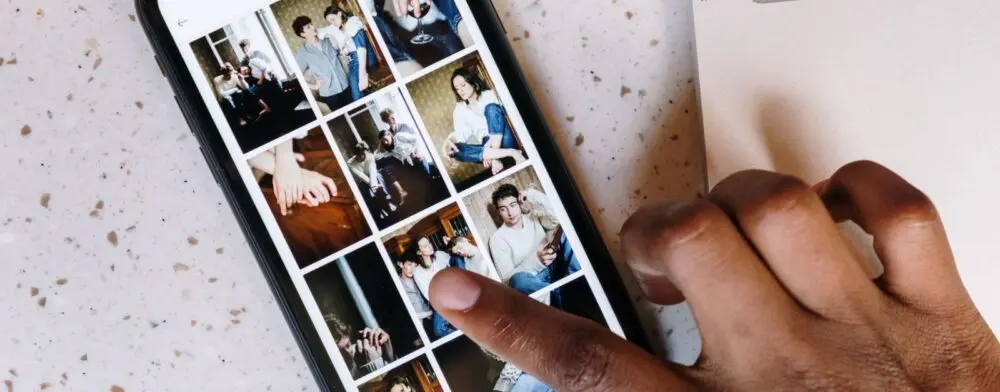
Google’s Android Help page on app permissions describes two routes to app photo access settings.
- By app: open Settings, tap Apps, choose the app, then tap Permissions.
- By permission: open Settings, then Security and Privacy, then Privacy, then Permission manager. Tap the photos permission to see every app that holds it.
Google’s page lists “Photos and videos” and “Files” as separate permission types. The first covers photos and videos on the device. The second covers all files. Menu names differ by manufacturer, and Google notes that some Pixel steps need Android 11 or later.

Android Developers’ page on partial photo and video access says Android 14 added a “Select photos and videos” choice to the system dialog. It lets a person share specific items instead of the whole library. The page says that access to selected items is temporary and can expire. It also says that permissions granted on older versions carry over to Android 14 as full access.
That carry-over matters for this fine. An app that was granted full access years ago keeps it until someone changes the setting.
How to check app photo access on iPhone
MacRumors’ iOS 17 guide gives the path. Apple’s own page on controlling access to information in apps covers Photos, but its steps could not be read for this guide.
- Open Settings.
- Tap Privacy & Security, then Photos.
- Tap an app to see its current level.
- Choose None, Add Photos Only, Limited Access or Full Access.
MacRumors says Limited Access shows the app only the images a person selects, and that those can be reviewed in Settings under Privacy & Security, then Photos. It says Add Photos Only, where an app supports it, lets the app save images without viewing the library.
MacRumors adds that a new app asks for access with the same choices and then appears in the same Photos list. Choosing the narrowest level at the first prompt is easier than revisiting it later, and the list in Settings shows every app that has asked for app photo access.
What each app photo access level means
| Level | What the app can do | Platform |
|---|---|---|
| None or Don’t allow | No access to the photo library | iPhone and Android |
| Add Photos Only | Save images without viewing the library, where supported | iPhone |
| Limited Access or selected items | See only the items a person picks | iPhone and Android 14 |
| Full Access or Photos and videos | See the whole library | iPhone and Android |
Android Developers also recommends the photo picker as an alternative for apps. Per that page, it needs no storage permission, so an app that only needs one picture can ask for just that picture.
A five-minute app photo access audit
The steps below are The Jolt Journal’s suggestion, based on the settings paths above.
- Minute one: open the photos permission list and note every app on it.
- Minutes two and three: move social, shopping and game apps from full access to selected items or none.
- Minute four: keep full access for the camera, gallery and cloud backup apps that need it.
- Minute five: repeat the check after major app or phone updates, since permissions can carry over.
An app that needs one photo can ask again later. Changing a setting back takes a few taps. The site’s report on iPhone privacy indicators covers what the camera and microphone dots show, and its guide to spotting a phishing email covers a related risk. The guide to turning off smart TV tracking applies the same settings-first approach to televisions.
What is not known
- Whether the Facebook feature works the same way in the United States. The decision covers Italian users.
- How the appeal will end. Meta has said it plans to appeal.
- Which other apps keep full photo access by default. The reports name only Facebook.
- Whether iPhone users were affected. The reports do not say so.
Editor’s take
Editor’s take: The fine is about consent and defaults, not about photos being unsafe on a phone. The practical lesson is smaller than the headline. App photo access is a setting, and most people set it once, years ago, then forgot it. Five minutes with the permission list is cheap compared with the cost of finding an old grant later. Limited access is a fair default for any app that only shares occasional pictures.
This article is for general information on app photo access, based on The Hacker News, Al Jazeera, Google, Android Developers and MacRumors as of November 17, 2026. It is not legal advice. Settings and menu names may change.