We may earn a commission when you buy through links on this page. It doesn't change what we recommend.
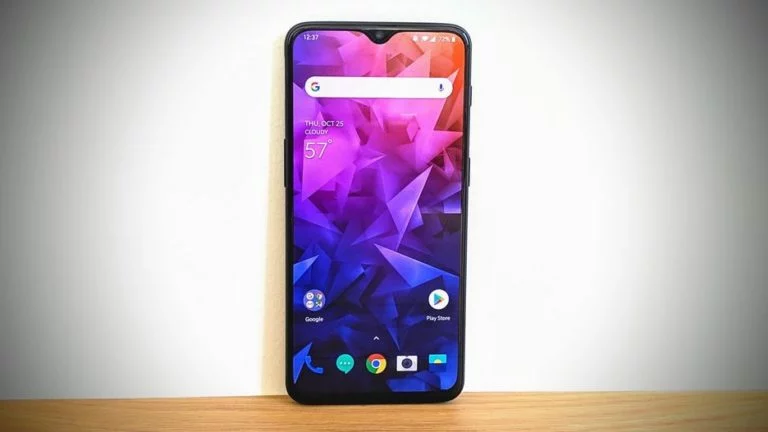
Excitement ensued on Friday when it seemed like Google would be releasing a long-desired request to have a “dark mode” theme on stock Android. This would essentially be similar to the one OnePlus has added. Unfortunately though, there’s some bad news.
Google’s team updated its tracker to explain that there seemed to be a misunderstanding, and that the feature is not coming after all. If you prefer to use custom themes, you will still need to root and add third-party tools to achieve more customization, but there is some good news to report though.
Per post from the thread, it explains that the Android team will introduce a change in its “P” release with a new toggle that will make it easier for developer to test a night mode in their apps. This could very well be similar to the one Twitter already has. It appears that the function was already there, but it will now be easier to access in Settings, and more apps could take advantage of it. Doing this will allow users to save some strain on their eyes or even save energy on OLED-screened phones.
Hi folks, you may remember me from the last three releases where it looked like Dark Mode was being added. Unfortunately, this bug was closed prematurely due to a miscommunication with the team that handles AOSP issues.
What we *have* added in a future Android release is a developer-facing setting (via Developer Options) to toggle the -night UI mode qualifier, which will make it easier for developers to create and test apps that implement night mode. This qualifier has been in the platform since Froyo (SDK 8) and globally modifiable via UiModeManager since Marshmallow (SDK 23); however, there was never an explicit toggle made available anywhere in Settings.
If it’s any consolation, we will also not be adding Hot Dog Mode (where all UI elements are yellow and red).