Last checked . Picks are based on the prices, rates, fees and terms each provider publishes, checked at the source. We never rank products by commission. See how we’re funded.
One of Alexa’s most under-appreciated features that I’ve noticed not many using is its Follow-Up Mode. One of the main reasons? Well, it’s because not many people have been exposed to it and some didn’t even know it was a feature that they found useful.
So what exactly is Follow-Up Mode? It’s a feature that allows you to ask Alexa follow-up questions without having to repeat the wake work, which is Alexa. By enabling this feature, you allow yourself to have a more natural experience with Alexa, thus less annoyance to deal with and not have to say her name repeatedly.
For example, if you have the Follow-Up Mode enabled, you can ask her, “Alexa, how’s the weather outside?” And then just follow-up with the question, “How long do you think it will rain?” It’s really that simple. If you don’t have it enabled, then you will have to say “Alexa” repeatedly, so, in this case, you would have to say it twice to get your answers.
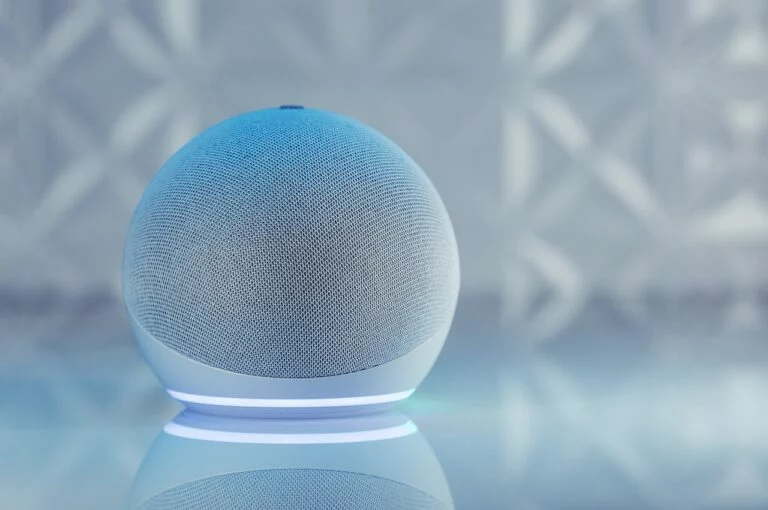
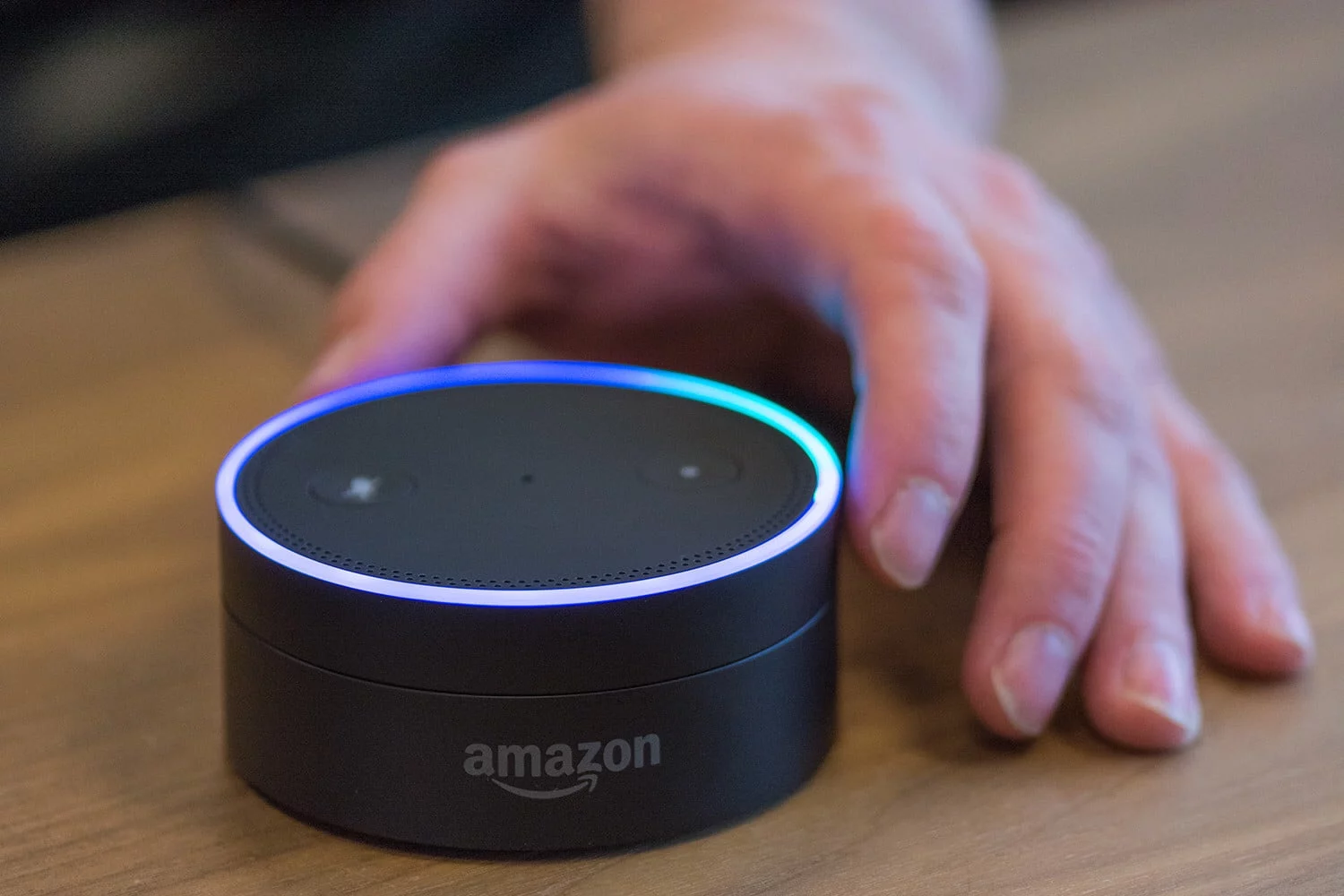
Alexa is able to manage the Follow-Up feature by extending the time it spends listening to you after your interaction with her. Yes, Alexa does extend the time it’s listening to you, it’s not creepy, but it’s more an alert feature than anything. When Follow-Up Mode is on, after you finish your conversation with her, the blue ring on your Alexa device will remain illuminated to give you indication that she’s still listening for a few more seconds for any additional questions you may have.
With this feature enabled, conversations have become more natural. You don’t have to say Alexa repeatedly every time you want to ask the AI something. Here’s something you do need to keep in mind though: Follow-Up Mode will not work when audio is playing, nor will it continue after you’ve said “Alexa, stop” or something or similar nature.
So, how do you enable the feature?
- Open the Alexa app on your device
- Click on Settings
- Select a device. This is because Follow-Up Mode is device-specific, so you will have to enable it for every Alexa device you want to use the feature on.
- Select Follow-Up Mode, and toggle it on.
That’s it! Pretty easy, right? Give it a try.