Skip to content

Technology and money in plain English · Since 2012

joltEDU
News

iPhone X: Here’s how to view battery percentage that got lost due to the notch

The Jolt Journal (https://www.joltjournal.com)

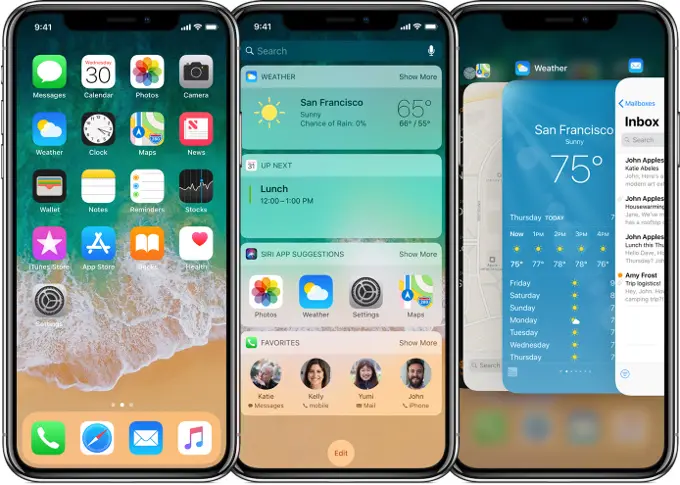
You may or may not have noticed but remember the battery percentage that use to be next to your battery on the top right? Well, it’s not there anymore for the iPhone X. This is because the notch design on the smartphone took the ability away to have that on there.

If you’re like me that likes to have your battery percentage display, there is some hope because it’s still possible to see the battery percentage.

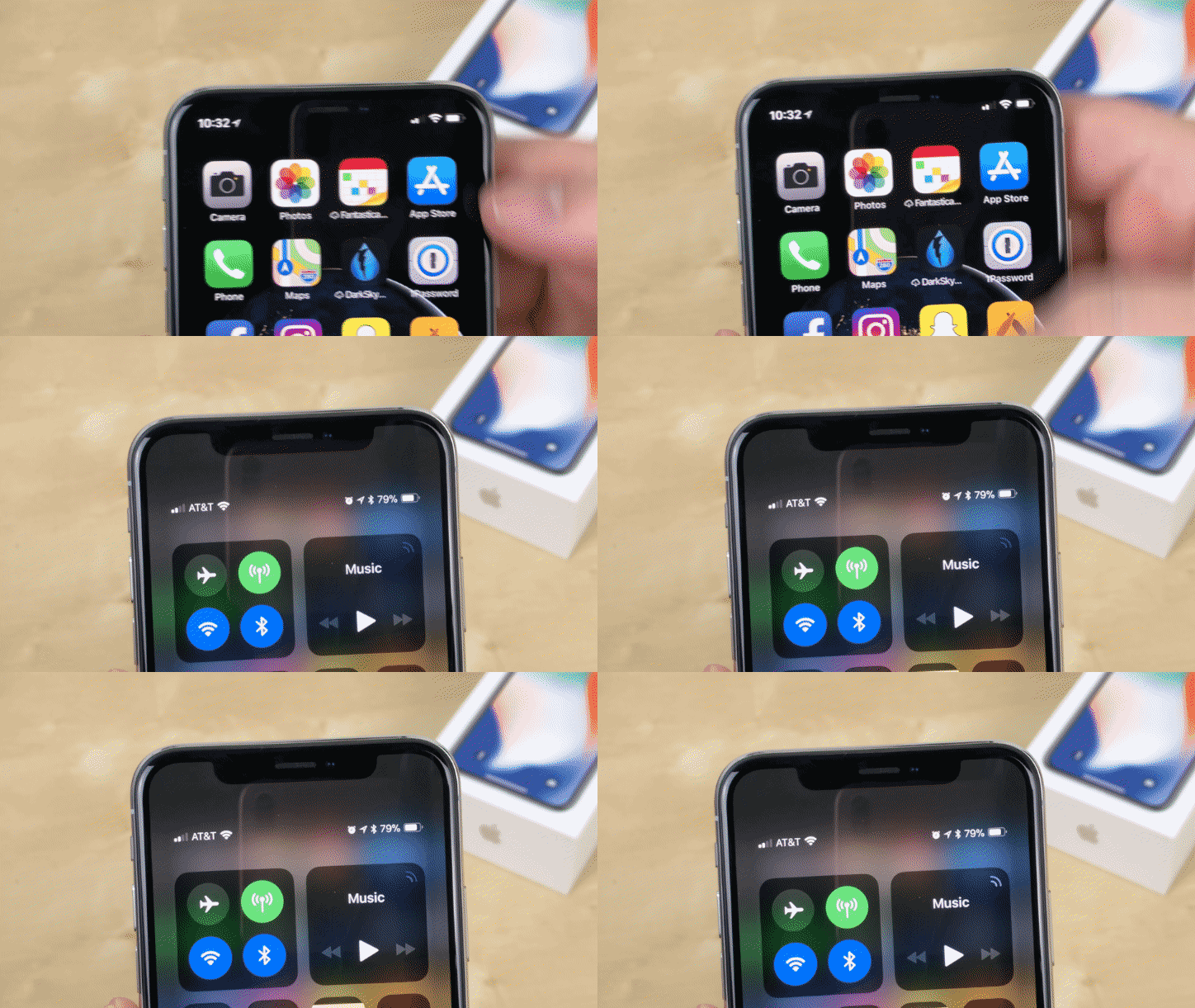
If you scroll down from the top right corner of the iPhone X, your Control center will come down. When the Control Center comes down, you will see the battery percentage in the top right.
Advertisement

The Jolt Journal (https://www.joltjournal.com)

So far, this is really the only method that we’ve seen where you can check your iPhone X’s battery percentage. It would be a good workaround for Apple if they were to include the battery percentage on your lockscreen, for example. One can only hope.


See something that needs fixing? Report an error

Get The Jolt Journal in your inbox

The day’s top stories in tech, finance and AI, picked by our editors. Free.

Choose your newsletters

Up next

Keep reading

Add The Jolt Journal as a preferred source on Google

Add The Jolt Journal to your Home Screen to get alerts

Most Popular

More in joltEDU

See all

Leave a comment

This site uses Akismet to reduce spam. Learn how your comment data is processed.

Breaking-news alerts

We’ll send a notification to this device when a big story breaks. Choose what you want, then allow notifications when your browser asks. You can change this or turn alerts off any time.

Send me