
We may earn a commission when you buy through links on this page. It doesn't change what we recommend.
Last checked . Picks are based on the prices, rates, fees and terms each provider publishes, checked at the source. We never rank products by commission. See how we’re funded.
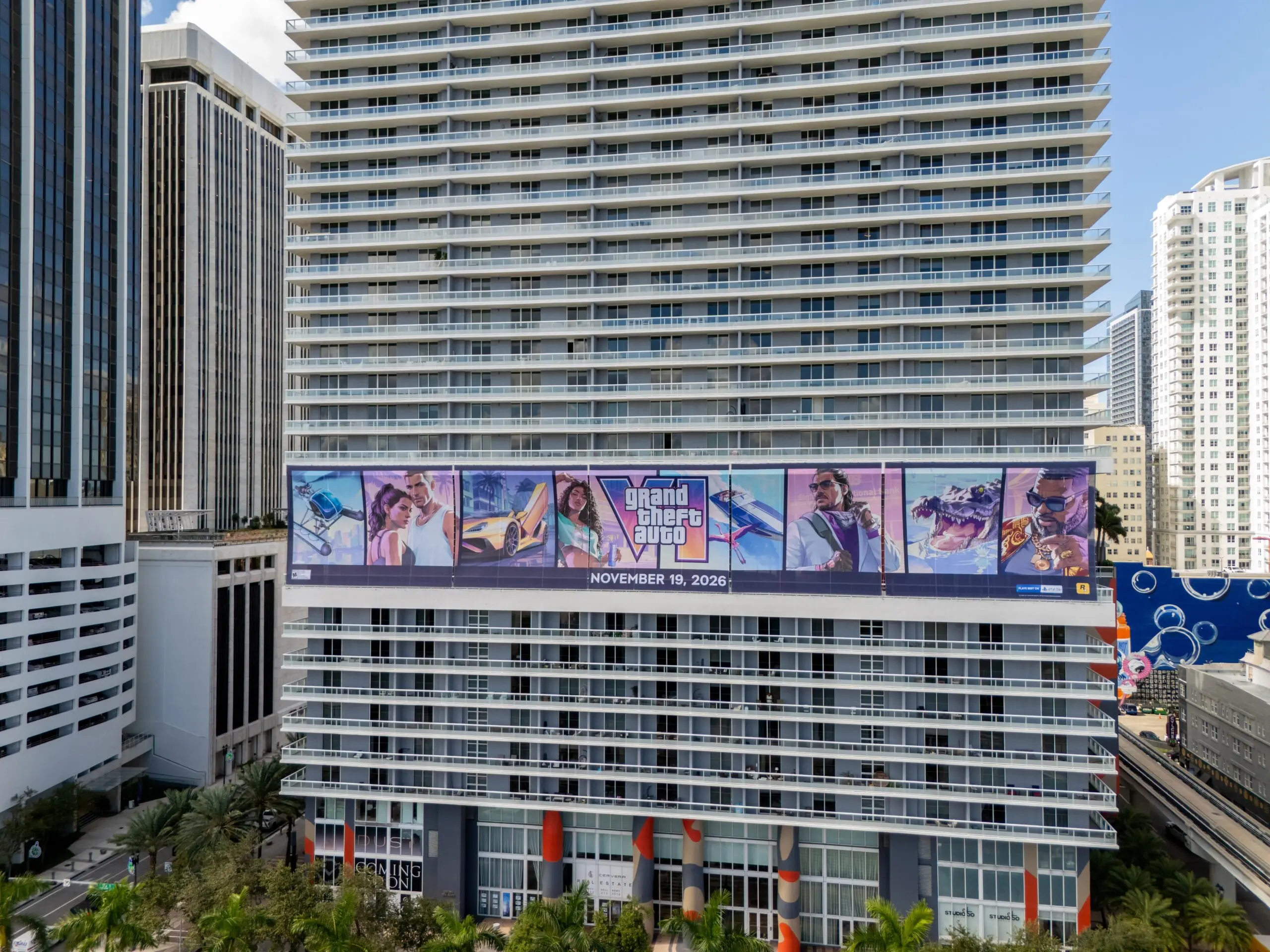
This GTA 6 checklist covers the five things most likely to go wrong in the first hours: storage, the download, how to play, scam sites, and the age rating. Grand Theft Auto VI unlocked November 19 on PlayStation 5 and Xbox Series X|S, and Rockstar says the install needs up to 212GB. Each step below names its source.
- Storage and download time
- Unlock times, cloud play, and PC
- Scam checks before any purchase
- Age rating, and a first-hour list
Sources for this GTA 6 checklist are Rockstar, Sony, CBS News, HotHardware, Windows Central, and Kaspersky, as of November 19, 2026. Menus may differ by console and region.
GTA 6 checklist step 1: storage
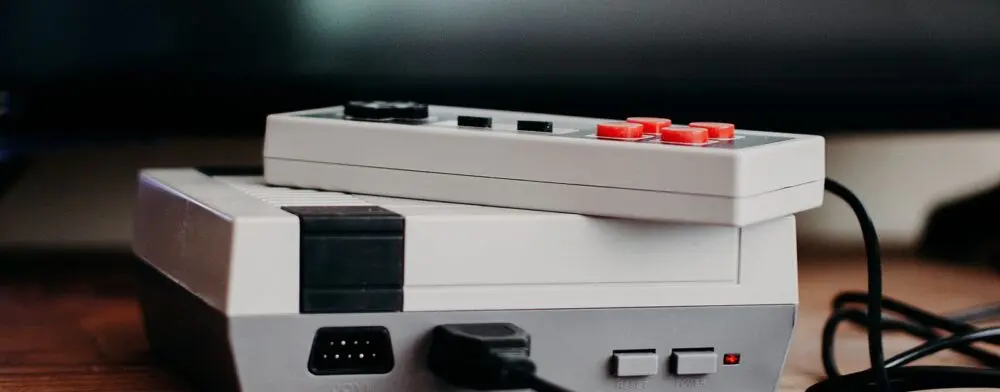
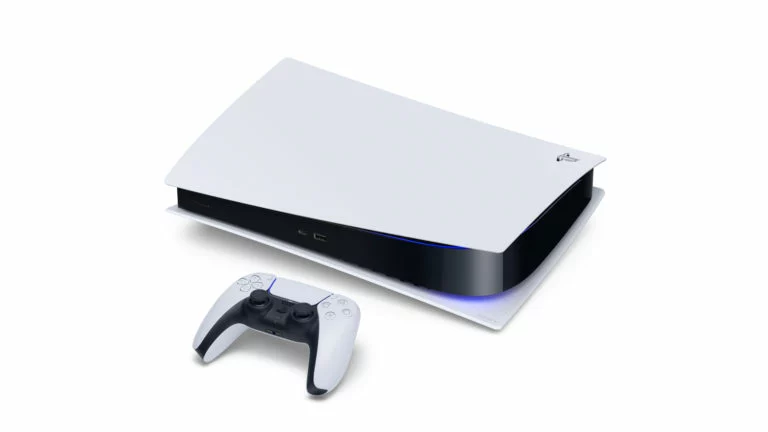
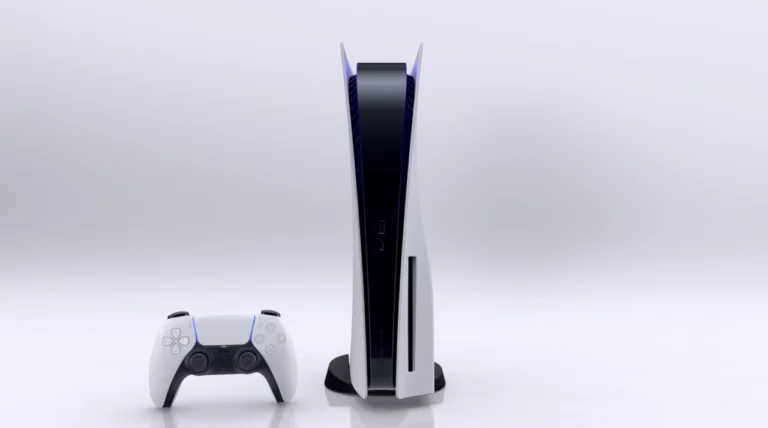
Clearing space comes first on any GTA 6 checklist, because the install cannot start without it. Rockstar’s preload notice, as quoted by HotHardware, says the game requires “up to 212GB depending on your device.” HotHardware’s Paul Lilly says an original PS5 has an 825GB SSD with roughly 667GB usable. By The Jolt Journal’s arithmetic, 212GB is about 32% of that usable space.
Sony’s storage page gives the path for clearing room on a PS5.
- From the home screen, open Settings, then Storage, to see free space.
- Go to Console Storage, then Games and Apps, to see what is installed.
- Pick a game and select Delete.
- If Customize appears beside a title, delete only the parts that are not needed, such as finished sections.
Sony says deleted games are not lost and can be downloaded again from the game library. It also describes moving games to USB extended storage, though a game must be moved back to console storage or an M.2 SSD to be played. Xbox has its own storage support page, which could not be read in full for this guide.

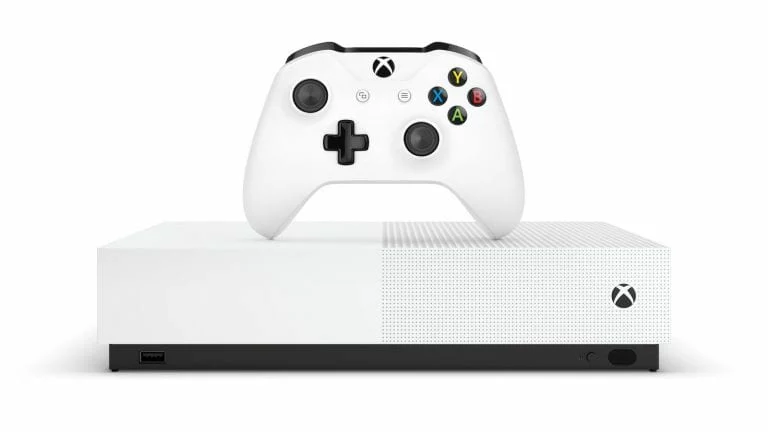
Lilly also lists upgrade options. A 1TB PS5-compatible SSD can be under $200, he says, while an Xbox needs a proprietary card or an external drive that can hold games but not run them. Prices change often, so they are worth checking before buying.
GTA 6 checklist step 2: the download
Preloading opened November 10, per Rockstar. HotHardware’s reporting says PS5 preloads unlocked at midnight in each player’s time zone, while Xbox unlocked at 12 a.m. GMT, which was 7 p.m. Eastern on November 9. A pre-order was required, and the console had to be on or in Rest Mode (PS5) or Sleep Mode (Xbox) with automatic updates enabled.
Download time depends on the connection. The estimates below are for 212GB.
- 25 Mbps: about 19 hours, per HotHardware.
- 100 Mbps: about 4.75 hours, per HotHardware.
- 500 Mbps: about 57 minutes, by The Jolt Journal’s arithmetic.
- 1 Gbps: about 28 minutes, per HotHardware.
These are best cases. Wi-Fi, a busy store and a patch after launch can all stretch the wait. Anyone who did not preload should start the download first and work through the rest of this GTA 6 checklist while it runs.
GTA 6 checklist step 3: when and how to play
CBS News says the game unlocks at midnight local time and rolls out country by country, with no single global moment. It also reports that some players in the UK used a New Zealand PlayStation account to start earlier. The article does not say whether Sony or Rockstar allows that, so it is a risk to a player’s account that no source has cleared.
Xbox Cloud Gaming is another route. Windows Central reports that Rockstar confirmed the game will run in the cloud on Xbox Series X|S and Xbox One. Two Average Gamers, citing an Xbox News post, gives a start time of 1 a.m. Eastern on launch day and says the game must still be bought.
The catches matter. Windows Central says cloud streams use the Xbox Series S graphics settings, so resolution is lower than on a Series X. The same report says the game will not stream to mobile, TV or PC. Remote Play from a console to those devices is a separate feature that Windows Central says is supported.
A PC version is unconfirmed. Engadget says PC players will wait until 2027, but CBS News says Rockstar did not respond to a question about PC. Analyst Andrew Marok says ports have usually trailed consoles by 12 to 18 months.
GTA 6 checklist step 4: scam checks
Scams around the game predate the release. Kaspersky’s October 6 report describes four patterns: paid “early builds,” fake pre-order and free-code pages, copycat “play now” download sites, and a meme coin that promised access to the game.
Kaspersky’s list of red flags is a useful filter.
- Odd prices: prices far above or below the real ones, or a fundraising goal that jumps in the fine print.
- Crypto-only payment: with a claim that all payments are final.
- Pressure tactics: “remaining codes” counters and timed checks that reveal part of a code.
- Unknown installers: launchers, archives or tools labeled “leaked” or “beta.”
- Wrong domains: addresses that do not match Rockstar or the console stores.
Kaspersky also says to treat any page that asks to turn off security warnings as a major red flag. The Jolt Journal’s rule for the GTA 6 checklist is simpler: buy only from the console store or the publisher’s page, such as Rockstar’s official store listing, and ignore messages that offer free codes. The site’s guide to spotting a phishing email covers the same habits for inbox offers.
GTA 6 checklist step 5: age rating and family settings
VICE reports an ESRB rating of Mature 17+. The descriptors are blood and gore, intense violence, mature humor, nudity, strong language, strong sexual content, and use of drugs and alcohol. PlayStation Store listings in Australia and New Zealand show R18+ and mention “sex scenes,” VICE says.
The VICE article does not cover parental controls. Parents can check the family settings on the console itself before the game is installed, and the age rating gives a baseline for what to set.
A first-hour GTA 6 checklist
The list below is The Jolt Journal’s suggestion, built from the GTA 6 checklist steps above.
- Minute 0 to 10: check free space and clear 212GB or more.
- Minute 10 to 20: confirm the purchase came from an official store, and start or resume the download.
- Minute 20 to 30: update system software. Engadget says PS5 players need a firmware update to play.
- Minute 30 to 45: set family controls if a younger player shares the console.
- Minute 45 to 60: restart the console, then launch the game once the unlock time passes.
Console trouble can still happen. The site’s guides to an Xbox that will not turn on and a PS5 reset and Safe Mode cover the common fixes.
What is not known
These gaps sit outside the GTA 6 checklist because no source covers them yet.
- HotHardware does not say whether the 212GB preload is a full download or needs a patch.
- No source gives the size of any day-one patch.
- CBS News says Take-Two has not confirmed whether GTA Online is live.
- The PC release date is unclear, since Engadget and CBS News differ.
- The reports read did not cover launch-day server outages, so performance is untested.
Editor’s take
Editor’s take: A launch this large turns small chores into the main obstacle, and the storage step in this GTA 6 checklist is the one most likely to catch players out. The cloud option works as a stopgap rather than an equal, given the lower graphics settings. Scammers move fastest when a release is hot, so the best habit is also the dullest: use the official store, and ignore everything else.
This article is for general information on the GTA 6 checklist, based on Rockstar, Sony, CBS News, HotHardware, Windows Central, and Kaspersky as of November 19, 2026. Prices, menus, and availability may change.