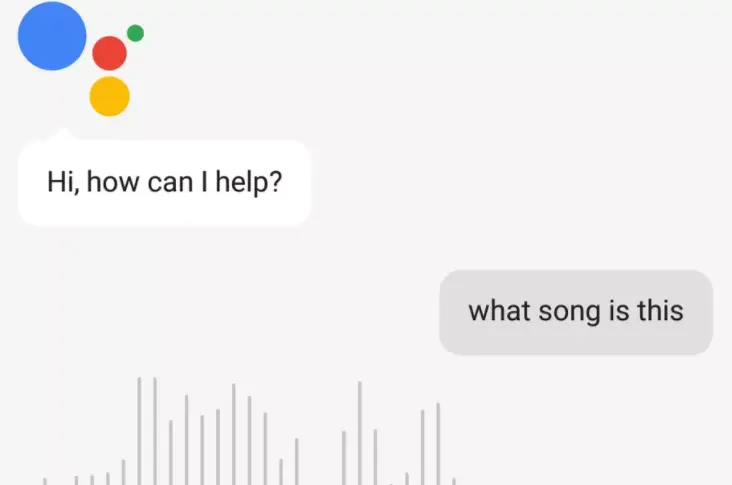
Available on all devices that have it enabled, Google Assistant will now identify songs that are playing around you. In an update that released yesterday across devices that support Google Assistant, you can now ask the Assistant to check what song is playing around you.
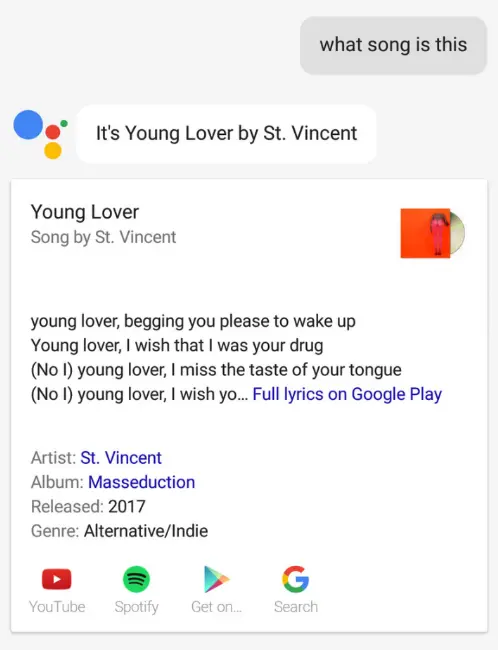
After Google Assistant is invoked, you can ask questions like “what song is this?” or “what sing is playing right now?,” and the Assistant will pull up an informational card that contains the name of the song, artist, lyrics, YouTube, Google Play Music connection, and Spotify streaming links.
If you’re the owner of a Pixel 2 or Pixel 2 XL, you already have the capability in the palm of your hand where the smartphone has the ability to passively listen into music around you and identify the song for you on-screen. With this though, the identification only comes up after about a minute of listening and only works on popular chart songs.
Today’s update adds the ability to identify songs on-demand for everyone that has access to Google Assistant and a device that has Google Assistant functionality on it. Even though the Pixel 2 passive-listening feature remains exclusive, other users now have the Shazam-like capabilities built into Google Assistant.