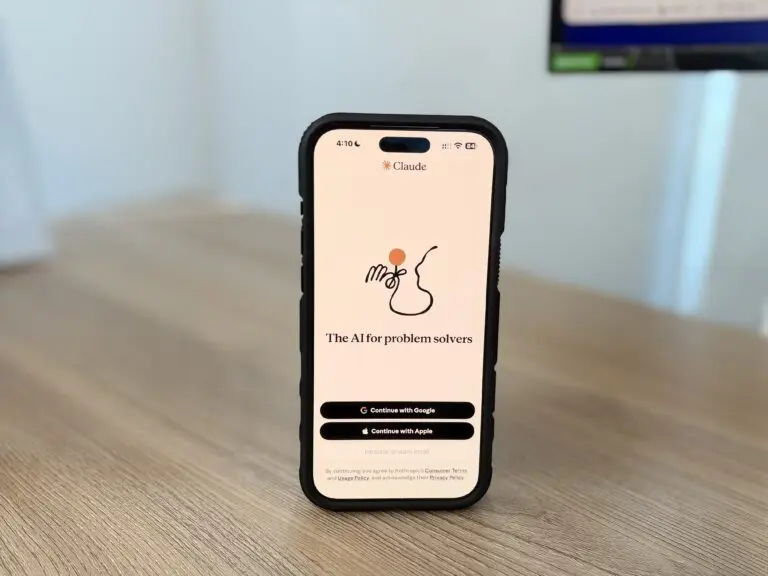
1Password has built a way for AI agents to log in to your accounts without ever seeing your password. Announced October 22, 1Password for Agents works like this: the agent asks, you approve on your own device, and 1Password fills the sign-in form itself. The agent only gets back item titles, saved sites and whether the login worked.
The details come from 1Password’s launch announcement and its support documentation, and the security claims are the company’s own. We could not find an independent audit.
How 1Password for Agents works
When an agent reaches a sign-in form, it identifies itself to 1Password with a unique digital key. According to the company’s release, the user then sees which credential is needed and why, and approves or denies the request on their own device. If approved, 1Password fills the login directly into the page, so the password never passes through the agent.
The support page fills in the mechanics. Every request pops a prompt in the 1Password desktop app. Nothing is approved in advance, so each new agent session means a new prompt, and an approval covers only the logins you pick, only for that session. Those logins stay encrypted in the browser extension’s memory, never on disk, and are wiped when the task ends, the browser closes, or nine hours pass. The agent can see titles, usernames and saved websites. Passwords and other secrets stay hidden.
Which agents are supported
Named in the release: Anthropic’s Claude Duet, OpenAI’s ChatGPT Work and dots, Meta’s Muse, SpaceXSI’s Grok Bot, and agents from the startup Town. Browserbase, Browser Use, Perplexity and Ramp are partners too. Several of the integrations are labeled coming soon, with no dates. Pricing and plan tiers aren’t mentioned in the release or in TechCrunch’s same-day story.

For now, only login items are supported, including one-time password codes. The feature needs the 1Password desktop app and the browser extension. On business accounts, administrators can control whether team members can use it. For background on what these assistants can and can’t do, see our guide to AI agents.
Why the timing matters for banks
Banks are already uneasy about this kind of traffic. TechCrunch cites an Axios report that U.S. banks are seeing agent activity inside customer accounts. A Chase spokesperson told Axios that customers “should not give their usernames and passwords to anyone.” Per TechCrunch, most banks can’t tell whether an agent was acting on the customer’s request. That’s a gap 1Password can’t close. It keeps the password from the agent, but the bank still has no way to know the login came from an approved agent.
Where the protection ends
1Password’s own documentation is direct about the limits. Its guarantees stop at sign-in. Once the form is submitted, the credentials belong to the website and any scripts running on it, and what the agent does afterward falls under that agent product’s safeguards. Someone with administrative or same-user access to a Mac can interfere with the protections, and the checks guard against unauthorized software rather than a fully compromised machine.
That makes the approval prompt the main defense, and it only works if people read it. A fresh approval every session avoids the “approve once, forget forever” trap. It also adds a step some people will click through without looking. Other vendors are tackling the same problem from a different angle; Microsoft, for example, now gives every agent a risk score.
What to do before turning it on
A few practical points follow from the documentation. Read each prompt for the app name and the list of logins before approving. Approve only the accounts a task needs, since the prompt lets you swap or remove items. Keep banking and other high-value logins out of agent sessions until your bank says how it treats agent activity. And remember that a password manager changes how credentials are handed over, not what an agent does once it is inside.
Editor’s take
This is a sensible design for a real problem. Giving an agent your password is the worst option, and a per-session approval that keeps secrets out of the model is a better one. But the weak point is shifting from the password to the permission. We would watch two things: whether banks start telling agent logins apart from human ones, and whether independent researchers test the approval flow. Until then, treat the approval prompt as a security control, not a formality.