We may earn a commission when you buy through links on this page. It doesn't change what we recommend.
Last checked . Picks are based on the prices, rates, fees and terms each provider publishes, checked at the source. We never rank products by commission. See how we’re funded.
Knowing how to create an invoice is the difference between getting paid on time and chasing clients for weeks. An invoice is a simple document, but a missing due date or a vague description gives a slow-paying client an easy excuse. This guide covers what to put on an invoice, how to set payment terms, what the IRS expects you to keep and report, and the mistakes that delay payment.
Is there a required format when you create an invoice?
No. We didn’t find any official U.S. source that dictates a single invoice format, so the lists you’ll see from payment companies reflect common practice, not law. That means you have flexibility, but the practical checklist below is worth following.
What to include when you create an invoice

Stripe’s guide says an invoice should include: your business name, address and contact details; any tax ID that applies; the client’s name and billing address; a unique invoice number; the issue date and a specific due date; itemized charges with quantity or hours, rate and line total; the subtotal, any discounts, the tax type and rate; the total due; payment terms; and the payment methods you accept. PayPal’s checklist adds your logo, the currency and notes or terms.
In the U.S., the identification number that usually matters is an Employer Identification Number (EIN) for a business, or a Social Security number for an individual. Clients typically get that on a Form W-9 rather than from the invoice itself.
Say what the work was. “Website design, 12 hours at $75” tells the client something. “Services” doesn’t. Number every invoice, such as 2026-014, and never reuse a number. The law doesn’t ask for it. It just makes your books easier to follow.
Set payment terms when you create an invoice
PayPal explains common terms. Net 30 means payment is due 30 days after the invoice date and is one of the most common. Due on receipt means pay immediately. Net 15 means 15 days. And “2/10 Net 30” offers a 2% discount for paying within 10 days, with the full amount due in 30.

Stripe lists unclear due dates among the common mistakes, such as writing “net 30” without a calendar date. Put both: “Net 30, due December 1, 2026.”
Late fees need care when you create an invoice
You can state a late fee, like PayPal’s example of 2% per month after 30 days, and it helps to include a grace period. Stripe says to state penalties upfront but to check with an attorney or accountant because rules vary by jurisdiction. We found no official page that sets late-fee limits for invoices, so check your state’s rules. Late fees generally need to be agreed in advance, and some states limit interest, so don’t assume a number is allowed.
Don’t forget sales tax
Sales tax depends on what you sell and where you sell it. The Small Business Administration (SBA) points you to your state’s department of revenue for state and local taxes. Michigan, for one, requires a license to sell goods to final consumers, at a 6% state rate. Texas taxes only certain listed services. Check with your state before you add tax or skip it.
Keep records the IRS will accept

The IRS says good records help you track income and expenses and back up your tax return, and it doesn’t require any one system. How long to keep them varies. Usually it’s three years from filing. It’s six years if you under-report income by more than 25% of your gross income, and forever if you never file. Hang on to a copy of every invoice you send, plus proof that it was paid.
Self-employed? Business income goes on Schedule C. According to the IRS, you generally owe self-employment tax and quarterly estimated tax as well, and you must file once net self-employment earnings hit $400. A payment under a reporting threshold can still be income. Your invoices are your own record.
What the 1099 thresholds mean for you
Businesses that pay you may send a Form 1099. For 2026 payments, the IRS puts the 1099-NEC threshold at $2,000, up from $600 before. Payment platforms file a 1099-K only for payments over $20,000 and more than 200 transactions, per the IRS. Those numbers decide who files the form. Your duty to report the income stays the same.
If you hire contractors, the IRS says to collect a Form W-9 and keep it for four years, and that 24% backup withholding may apply if a taxpayer identification number isn’t provided.
Where to create an invoice
You can build one in a word processor or spreadsheet. Square’s invoice page offers free templates in Word, Excel and PDF formats. Accounting and payment tools can send invoices by email, track when they’re opened and take card payments, though many charge fees, so compare costs. If you track spending too, our guide on how to make a budget covers getting your business and personal money organized.
How to send an invoice so it gets paid
Send it promptly, ideally the day the work is done. Address it to the right person, since the wrong contact is one of the common mistakes Stripe lists. Include a clear way to pay, and mention the due date in your email. Follow up on the day after the due date. Stripe also lists math errors, missing tax details and poor record-keeping as frequent problems, so reread before you send.
A simple layout you can copy
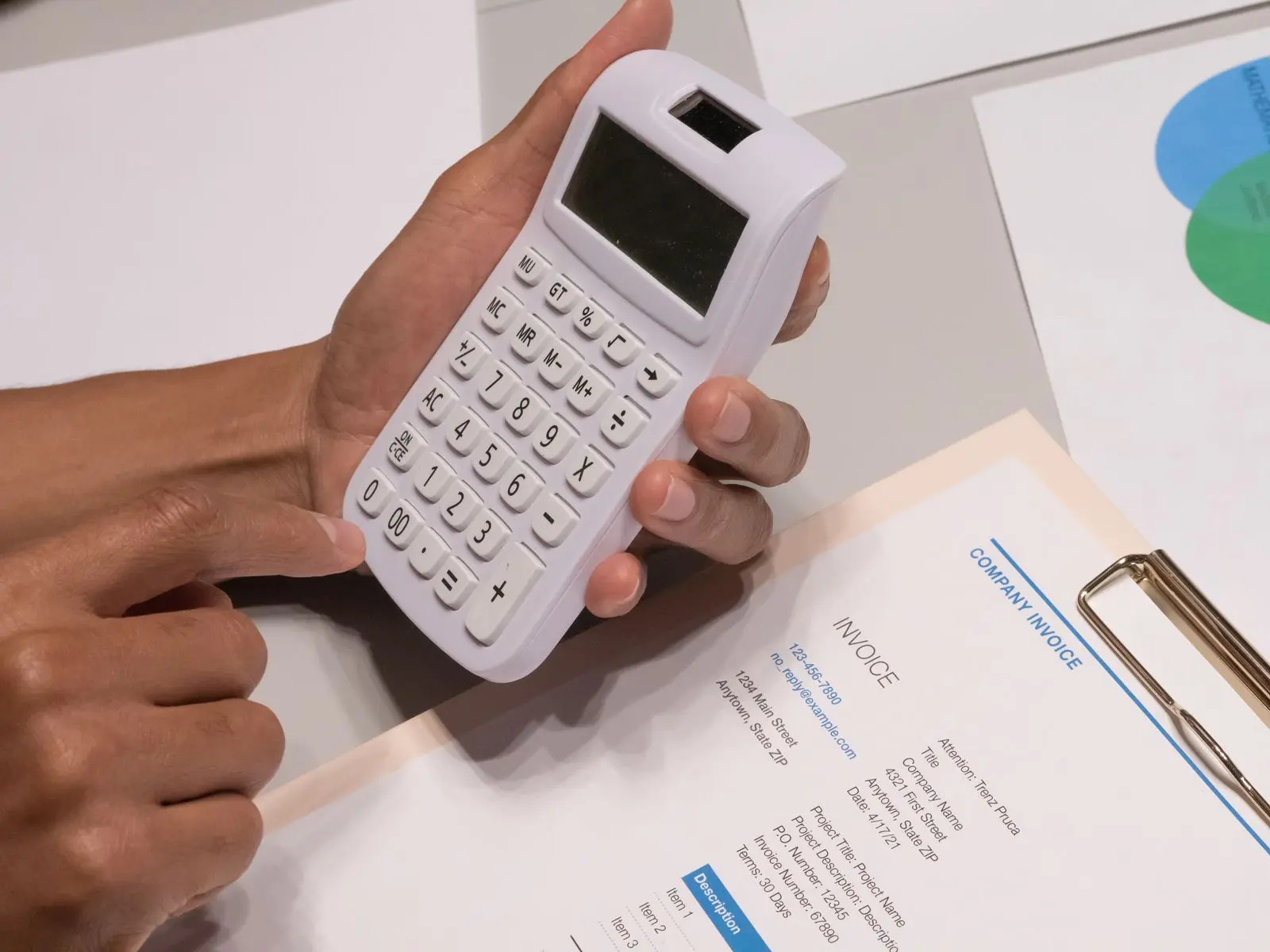
Here’s a sample layout to follow the next time you create an invoice. It’s our example, not an official form. At the top, put your business name, address, email and phone number, then the words “Invoice” and the invoice number, such as 2026-014. Below that, list the issue date, the due date and the client’s name and billing address. Next comes a table with one row per item: a description like “Website design, 12 hours,” the rate, the quantity and the line total. Under the table, show the subtotal, any tax and the total due. Finish with your payment terms, such as “Net 30, due December 1, 2026,” and the ways to pay.
What to do when payment is late
Even when you create an invoice carefully, some clients pay late. Start with a polite reminder that includes the invoice number, the amount and the original due date. If the invoice is past due again, follow up by phone or email and ask for a specific payment date. If your terms include a late fee, apply it as you stated it. If a client stops responding, a lawyer or your state’s small-claims court rules are the next places to look, and the rules differ by state.
Common mistakes
Vague line items. No due date. A repeated invoice number. Forgetting to include payment instructions. Sending invoices weeks after the work. Skipping records. And assuming no 1099 means no tax.

This is general information, not legal or tax advice.
Editor’s take
Whenever you create an invoice, you’re also making a small piece of customer service. Make it clear and make it easy to pay, and you’ll spend less time chasing money. Put the due date in writing, offer more than one way to pay and keep every copy.