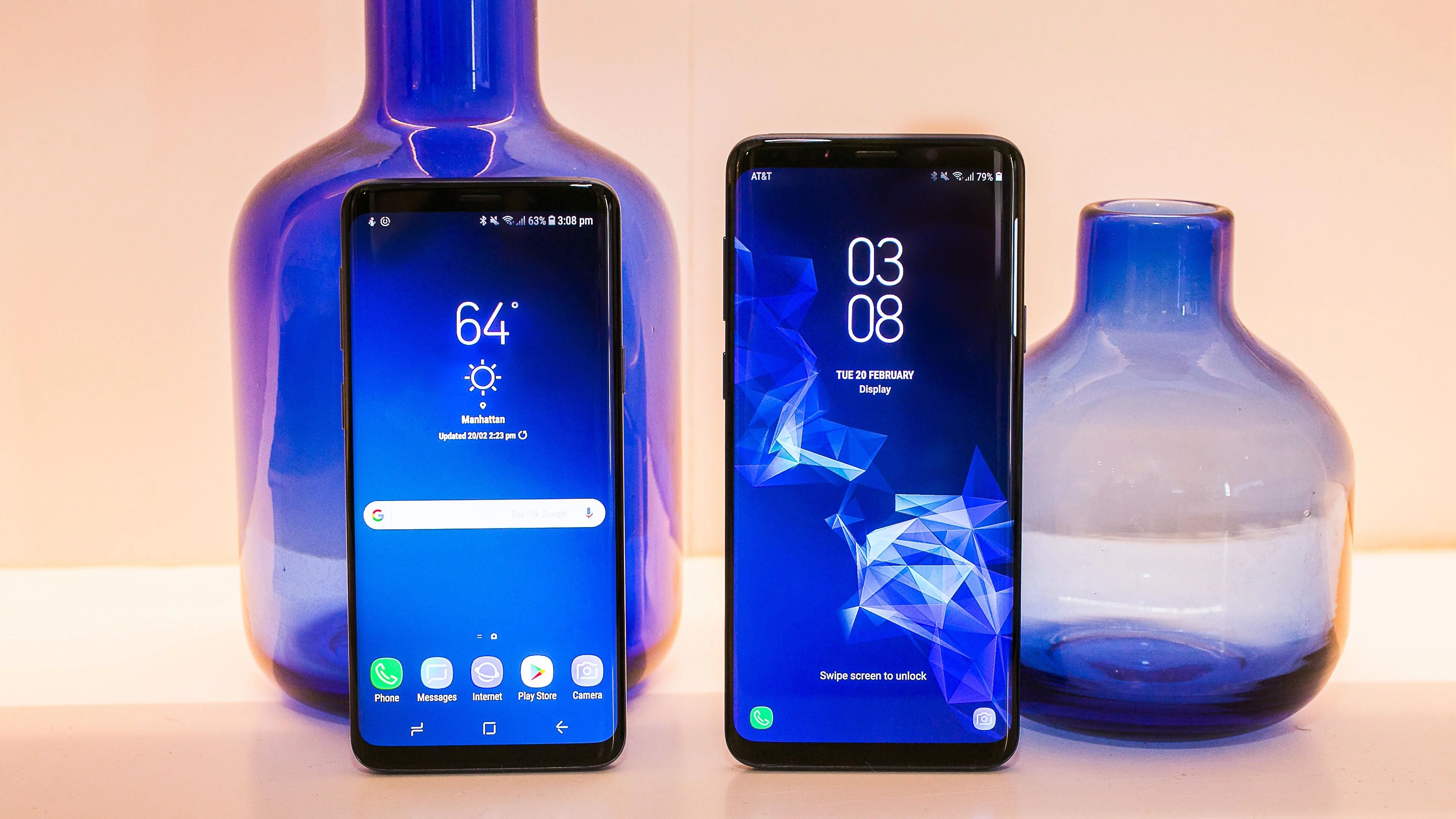
Today, the Galaxy S9 arrived in the United States and around the world. You know the dedicated Bixby button, right? If you’re a fan of the assistant and its abilities, maybe you’ll hit the button intentionally. But there are also that may accidentally bring up Bixby when you meant to change the volume.
The button is a little too close with the volume, so accidentally hitting the Bixby button is bound to happen. If you want to avoid doing that, you have the option to disable Bixby entirely. This way, you don’t accidentally press the button, and when you do, it will have no effect.
HERE’S HOW TO STOP BIXBY BUTTON FROM DOING ANYTHING:
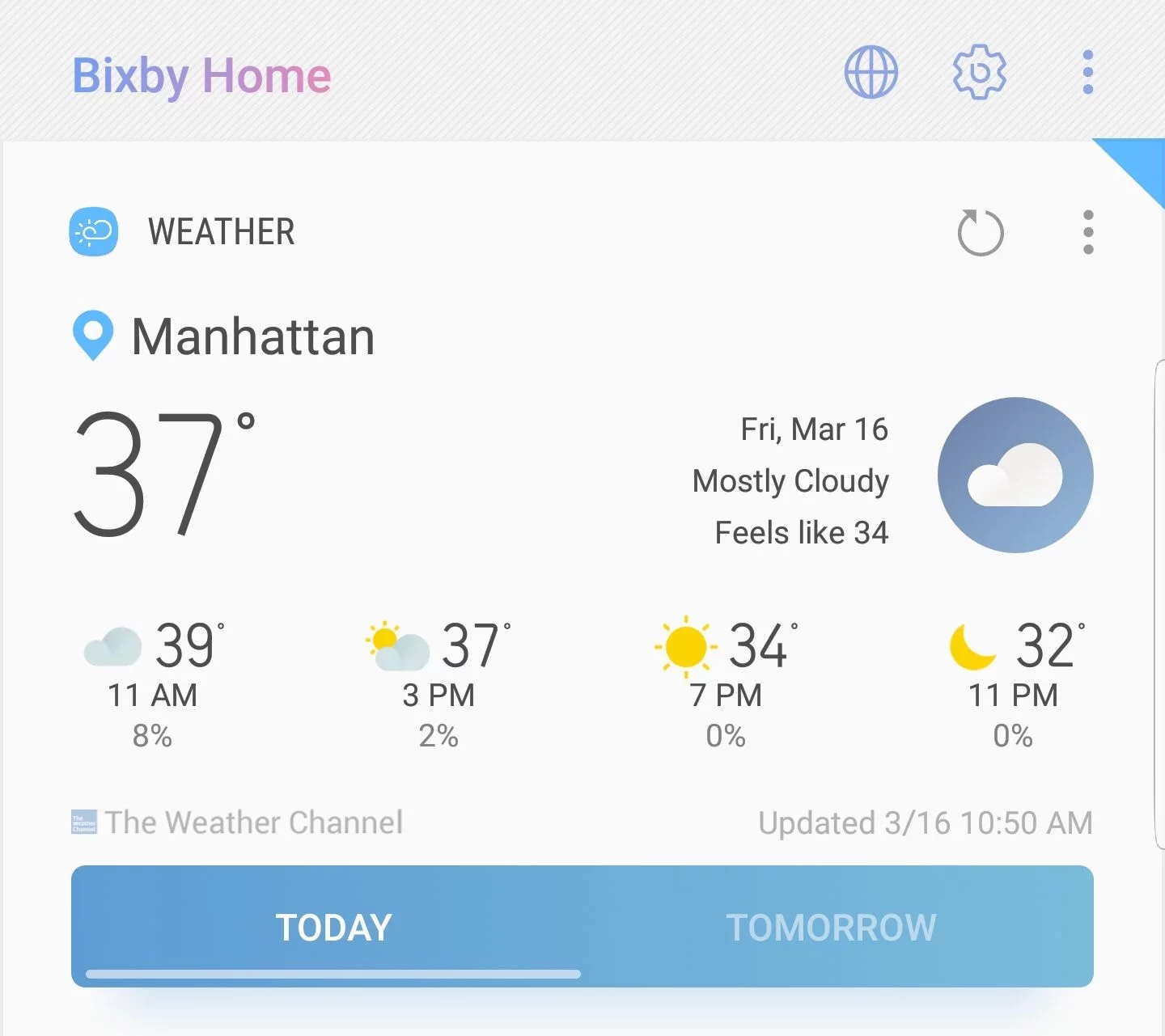
When you’re on the home screen, hit the Bixby button to bring up the main assistant app. Alternatively, you can long down the button and say “Bixby settings.”
At the top right, you should see three icons: globe, Gear, and the traditional three-dot hamburger menu. Hit the gear icon, and then turn off the “Bixby key” option. That’s it, you’re done!
HERE’S HOW TO TURN OFF BIXBY ENTIRELY:
Aside from the steps above, Samsung’s assistant still remains fully functional, and you can still trigger Bixby either by swiping over the Bixby Home to the left of your main screen or by using your voice.
For those of you that don’t want to use Bixby at all, meaning no Bixby Voice and Bixby Home, we have a solution for that too.
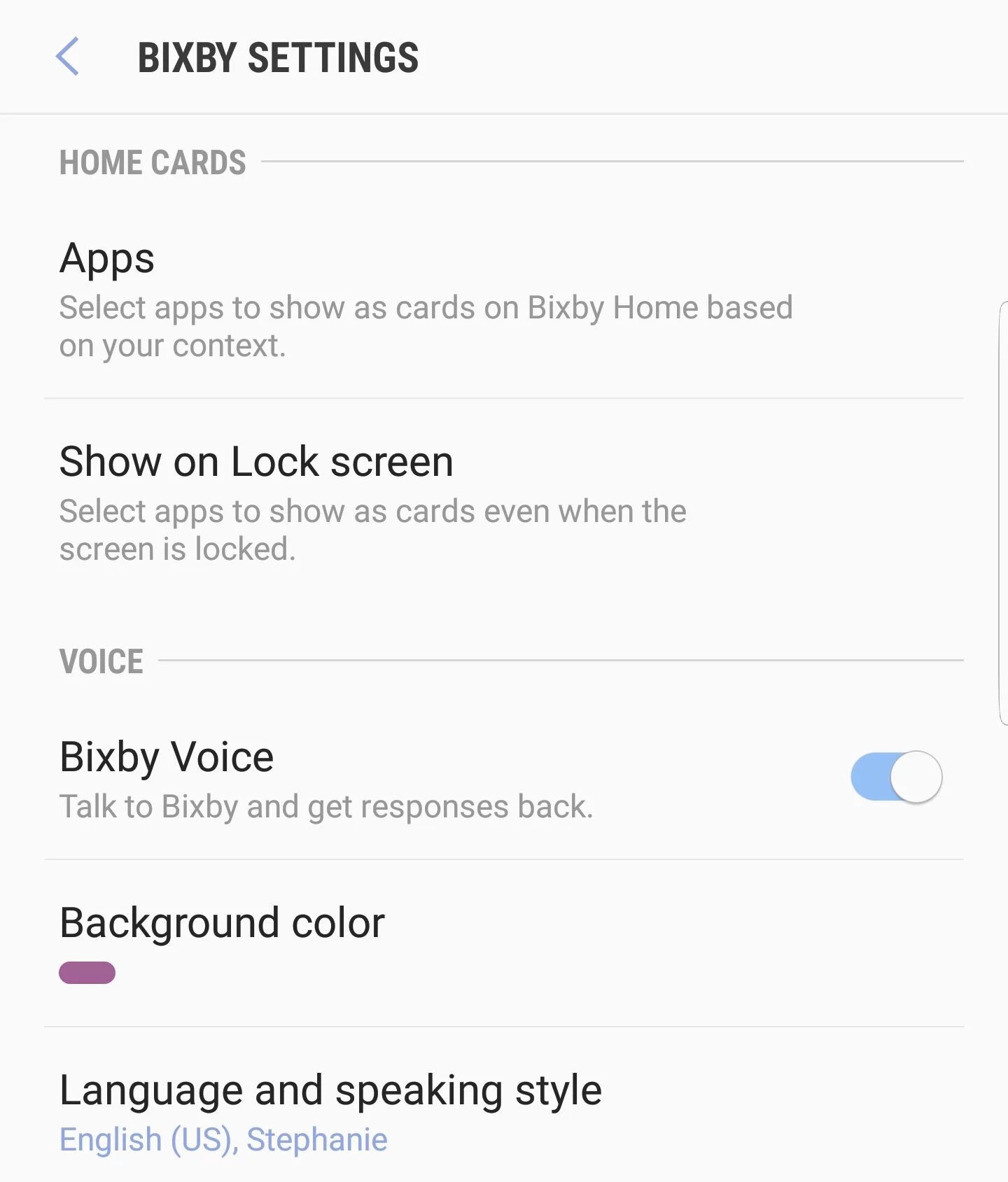
To show down voice phrases, click on the three-dot icon that was mentioned earlier. Inside that settings area, there’s a simple toggle for whether yo want to use Samsung phone listening to Bixby requests. You can switch that off, and have eliminated the other way to bring up Bixby.
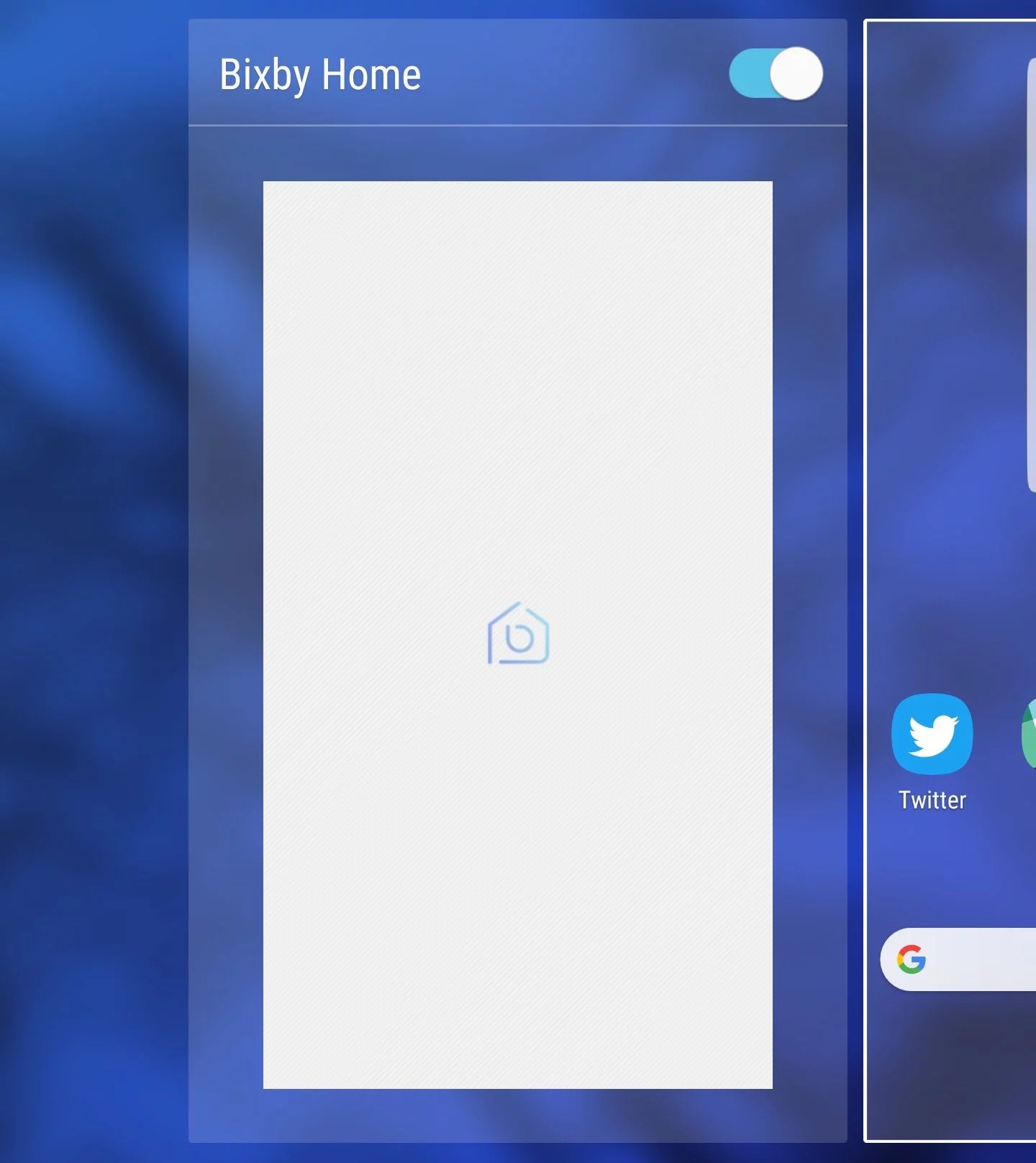
The last step is getting rid of Bixby Home side screen. You’ll want to Tap and hold an empty section of your home screen, then swipe right to reach the leftmost panel. That’s Bixby Home, and to get rid of it, toggle the button up at the top to the off position. This will get rid of Bixby Home.